Question Banks
A question bank is a pool of questions you can draw from repeatedly. Find it under Question Banks in the left sidebar.
Every question in a bank must have a correct answer — banks are scored question pools, not a store for data-collection fields.
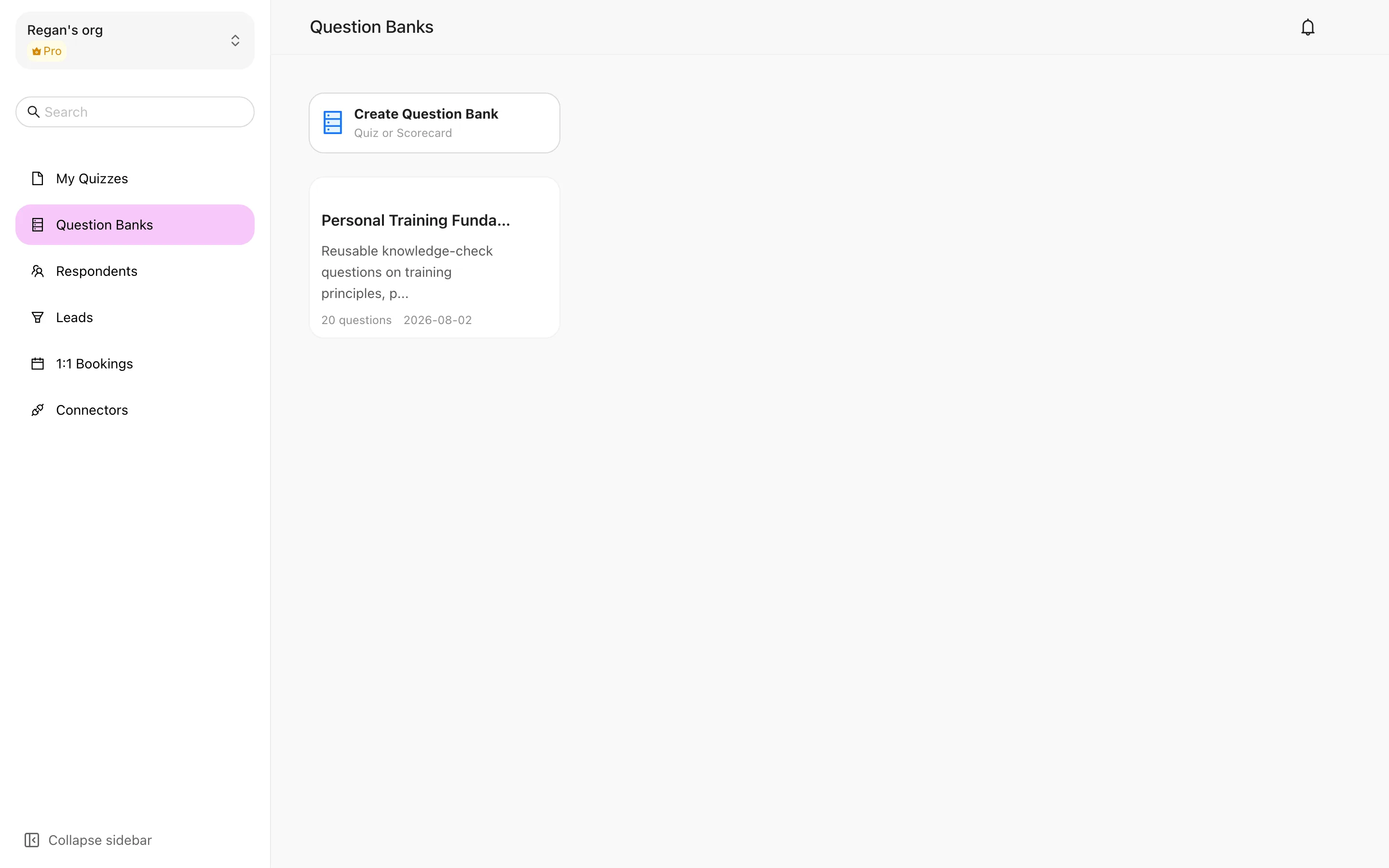
Creating a bank
Click "Create Question Bank"
The subtitle reads "Quiz or Scored Quiz" — banks serve those two scored scenarios.
Fill in the basics
Bank Name (up to 50 characters), Description (up to 200 characters), and Difficulty Level.
Add questions
Open the bank and click Add Question. It works like authoring in the editor: pick a type, write the stem and options, set the correct answer.
Managing questions
- Drag to reorder — rearrange questions directly.
- Batch Delete — tick several and remove them at once. This cannot be undone.
- Edit Info — change the bank's name, description and difficulty.
A bank must be emptied before it can be deleted — you'll see "Please delete all questions before deleting this question bank". That guard exists so you don't wipe a whole bank by accident.
Using a bank in a quiz
When creating a quiz from the dashboard, choose the random question bank entry, pick a bank and say how many questions to draw. Each respondent then gets a different combination.
What you get is a Random Knowledge Quiz — a different type from Quiz. The type cannot be changed after creation, so switching between fixed and random questions means rebuilding. See The four quiz types.
Bulk authoring through an AI client
Banks want a lot of questions and typing them in is slow. If you've connected MCP, an AI client can write questions into a bank in bulk.
Add roughly 30 questions per batch. Larger batches tend to time out, and retrying after a timeout can leave duplicates behind.
Overview
Question banks and templates are both reuse mechanisms, but they reuse different things: a pool of questions to draw from repeatedly, versus a complete quiz structure you clone and then edit.
Template Center
The Template Center holds complete quizzes you can clone — questions, logic, scoring and report configuration included. How to filter templates, preview one, and turn it into your own quiz.